



Wintails App
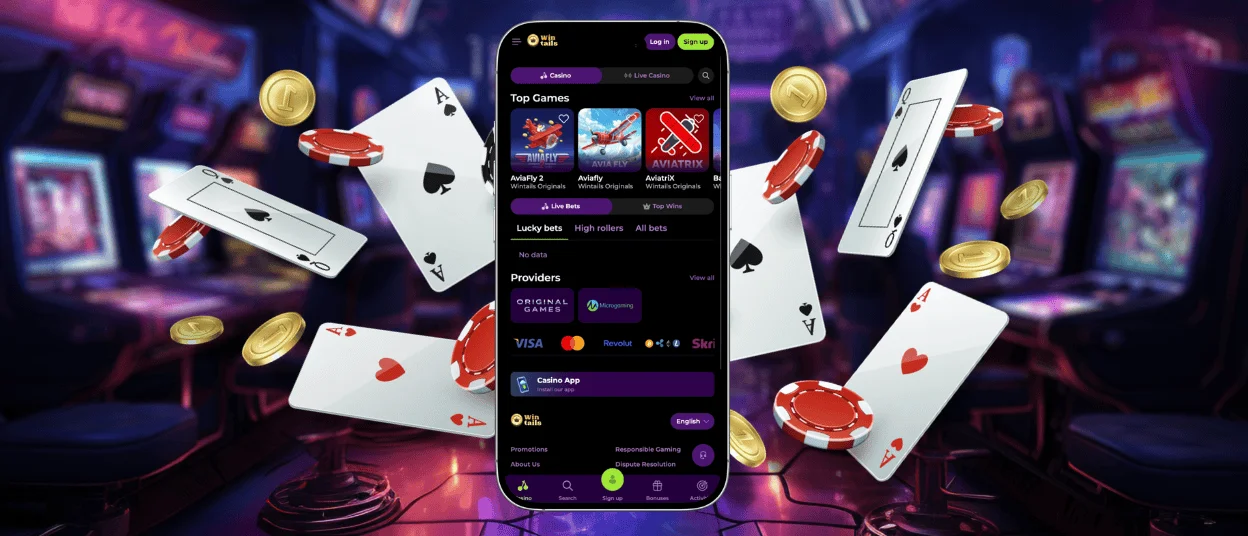
The Wintails App brings our full casino to your phone and tablet through a fast Progressive Web App. We built it so you can open your favorite games in seconds and enjoy the smooth play you already get on desktop. Everything needed to use the platform is available from one simple home-screen icon.



Wintails mobile
Our Win Tails mobile experience runs straight in the browser, so you reach the casino lobby with a single tap. The Wintails app keeps every feature from the desktop site, including online slots and live dealer rooms. Mobile play also adds quick perks that suit life on the move:
- One-tap launch: you open the Wintails app from your home screen and jump into a game within seconds.
- Saved sign-in: your login details stay ready, so each visit feels effortless and your gaming experience stays smooth.
- Push alerts: we send timely updates about fresh promotions and tournaments straight to your screen.
- Touch-first design: buttons and menus sit where your thumb expects them, which makes every tap land cleanly.
Together, these touches make the mobile casino feel personal and ready the moment you want to play.
App performance and loading speed
We optimize the app for speed by compressing assets and caching the files you use most. Pages load quietly in the background as you browse, so each round starts the moment you tap. Even on a busy connection, Win Tails stays responsive and the action keeps flowing.
How to use Wintails on Android
Android users reach the platform through Chrome and add a home-screen icon for instant access. The Wintails app suits most modern Android phones and tablets running a recent system version. Lightweight code keeps performance strong, and the layout adjusts to any screen size for comfortable mobile gaming. You enjoy the full Wintails Casino library on Android, where popular online slots load quickly and crash titles such as Plinko and Aviator respond instantly to every tap.
To pin Win Tails to your home screen on Android, follow these steps:
- Open the Wintails Casino site in the Chrome app.
- Tap the More icon (three dots) in the address bar.
- Select “Add to home screen” and confirm with “Add”.
- Swipe up to open the app drawer, then press and hold the new icon.
- Drag the icon to your preferred spot on the home screen and release it.
The shortcut now opens in full screen, giving you the same quick access as a downloaded app.
Wintails iOS
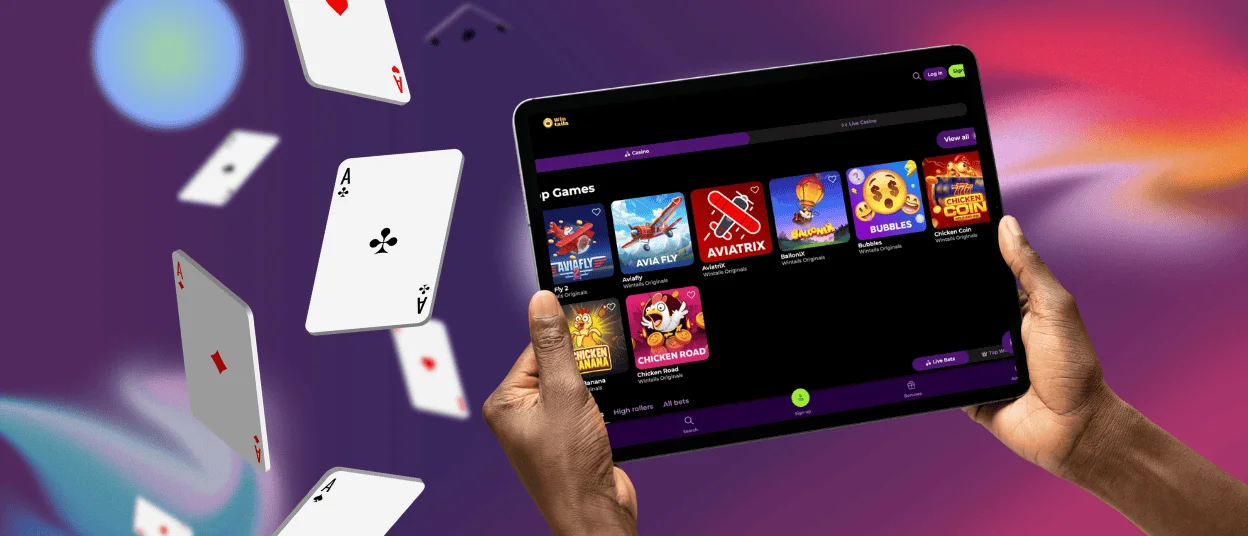
On iPhone and iPad, Win Tails works smoothly through Safari and other modern browsers. The Progressive Web App delivers an app-like feel, with a clean icon on your home screen and full-screen play. We optimize each game for iOS so animations stay crisp and taps register the moment you make them. iOS players reach the same Wintails Casino lobby, wallet, and live chat support as desktop users.
Wintails for Windows and macOS
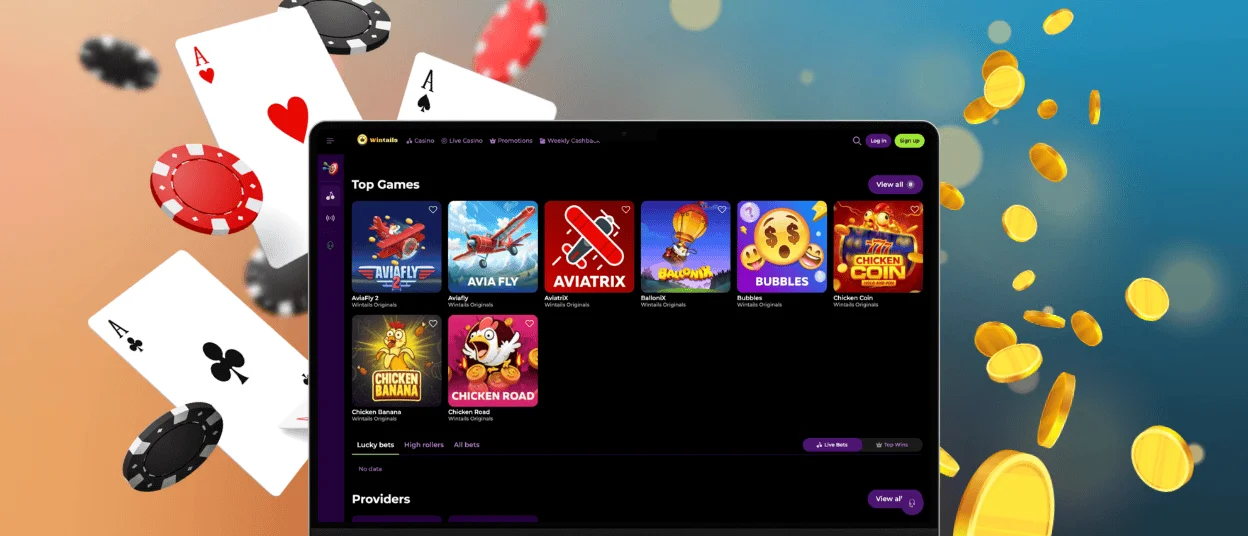
Desktop players on Windows and macOS open the Wintails Сasino site directly in a browser such as Chrome or Safari. The large screen suits longer sessions and gives you clear views of the online slots and the live tables. Mouse control adds precision for table games, and the steady connection keeps marathon play comfortable. The Wintails app and the desktop site share one account, so your balance and progress follow you across every device.
The table below sums up how each platform connects to your Wintails account:
| Platform | How to access | Storage use |
|---|---|---|
| iPhone & iPad | Add to home screen through Safari | Light, loads as needed |
| Android | Add to home screen through Chrome | Light, loads as needed |
| Windows | Open in any modern browser | Runs in the browser |
| macOS | Open in Safari or Chrome | Runs in the browser |
Across all four platforms, the app updates itself automatically on our servers, so you always run the current secure version while updates apply on their own. Each route leads to the same lobby and the same balance, so you choose the device that fits the moment.
Progressive Web App
Win Tails uses Progressive Web App technology, which adds strong protection to every session. All traffic travels over HTTPS with the latest TLS encryption, so your personal details and payments stay private. The app refreshes itself on our servers, which means you always run the current secure version. Sign-in relies on secure tokens, and our team watches activity in real time for extra peace of mind.
| Measure | What it does | Why it helps |
|---|---|---|
| Encrypted connections | TLS encryption guards all data between your device and our servers | Keeps personal and payment details private |
| Secure sign-in | Login sessions use protected tokens that refresh on a schedule | Adds a strong layer around your account |
| Automatic updates | The app pulls the latest version each time you open it | You always run the safest build |
| Activity monitoring | Real-time checks watch for unusual behavior | Spots and stops suspicious actions early |
These layers let you focus on your gaming experience while we handle the technical side. The verification process for new accounts adds one more safeguard, confirming each player and protecting the wider community. You can trust the Wintails Casino with both your play and your data.
FAQ
Can I move between my phone and computer during one session?
Your account syncs in real time across every device, so you can pause a game on your phone and pick it up on your computer moments later. Your balance, your active bonuses, and your game history stay current wherever you sign in. This lets you start a session on the move through the mobile casino and continue at home on a larger screen.
Can I claim a Wintails welcome bonus from my phone?
Mobile players receive the welcome offer that desktop players enjoy. After you register and make your first deposit of at least €20 at Wintails Casino, the bonus credits to your wallet automatically. Free spins land in the eligible online slots, ready for you to use right away on your phone.
What are the minimum device requirements for the Wintails app?
The Wintails app runs on most current phones and tablets, along with desktop computers. We recommend a recent version of Chrome or Safari, with JavaScript switched on for full game features. A steady Wi-Fi or 4G connection keeps play smooth, and a small amount of free storage helps the cache load pages faster. Our Support Team is glad to help through live chat if you want to confirm your setup.


